Safe to use: dialog
Since 2022 it has been safe to use the dialog element in HTML. Yet many developers are still embrancing javascript libraries to create modal dialogs.
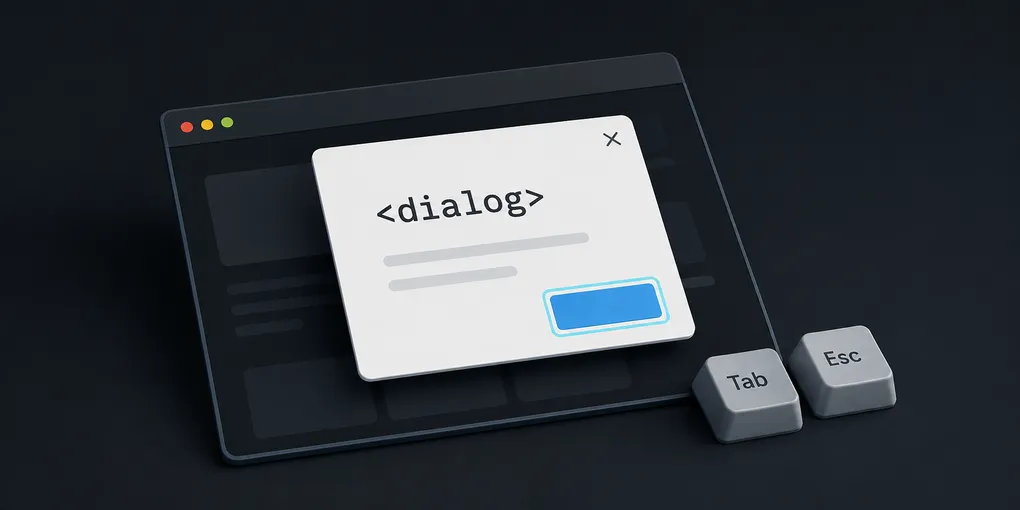
In my day-to-day work I often come across many projects using modal dialogs backed by javascript libraries. If you’re anything like me, you like free stuff and getting the job done with minimal effort. If that’s your case, read on!
Expected behaviours
There is set of behaviours is expected from a modal dialog, such as:
- Keyboard
- When a dialog opens, focus moves to an element inside the dialog.
tabto cycle through the elements inside the dialog.shift + tabto cycle backwards through the elements inside the dialog.escapeto close the dialog.- Focus must return to the element that triggered the dialog.
- ARIA roles and states
- The dialog should have
role="dialog". - All elements required to operate the dialog are descendants of the element that has role dialog.
- The dialog container element has aria-modal set to true.
- The dialog has either:
- A value set for the aria-labelledby property that refers to a visible dialog title.
- A label specified by aria-label.
The dialog element
Since 2022, the HTML <dialog> element has been supported by all major browsers topping at 96% of global usage.
Given that the browser already does all the heavy lifting for us, we can skip external libraries. Why?
- Reduce bundle size
- Reduce maintenance / tech debt
- Reduce non-compliance with accessibility standards!
With the enforcement of accessibility legislation across the globe, it is our responsibility to ensure our products are accessible to all users and that we reduce the risk of penalities wherever we operate.
Animations
Animation is one of those cases that folks point out as to why they don’t use the dialog element.
You may think that you cannot animate a element’s display property, but you can! As Adam Argyle demonstrates in this article, you can use @starting-style and transition-behavior: allow-discrete to achieve exactly that! Both are baseline 2024 features.
See the Pen Page Pushing Popup by Adam Argyle (@argyleink) on CodePen.